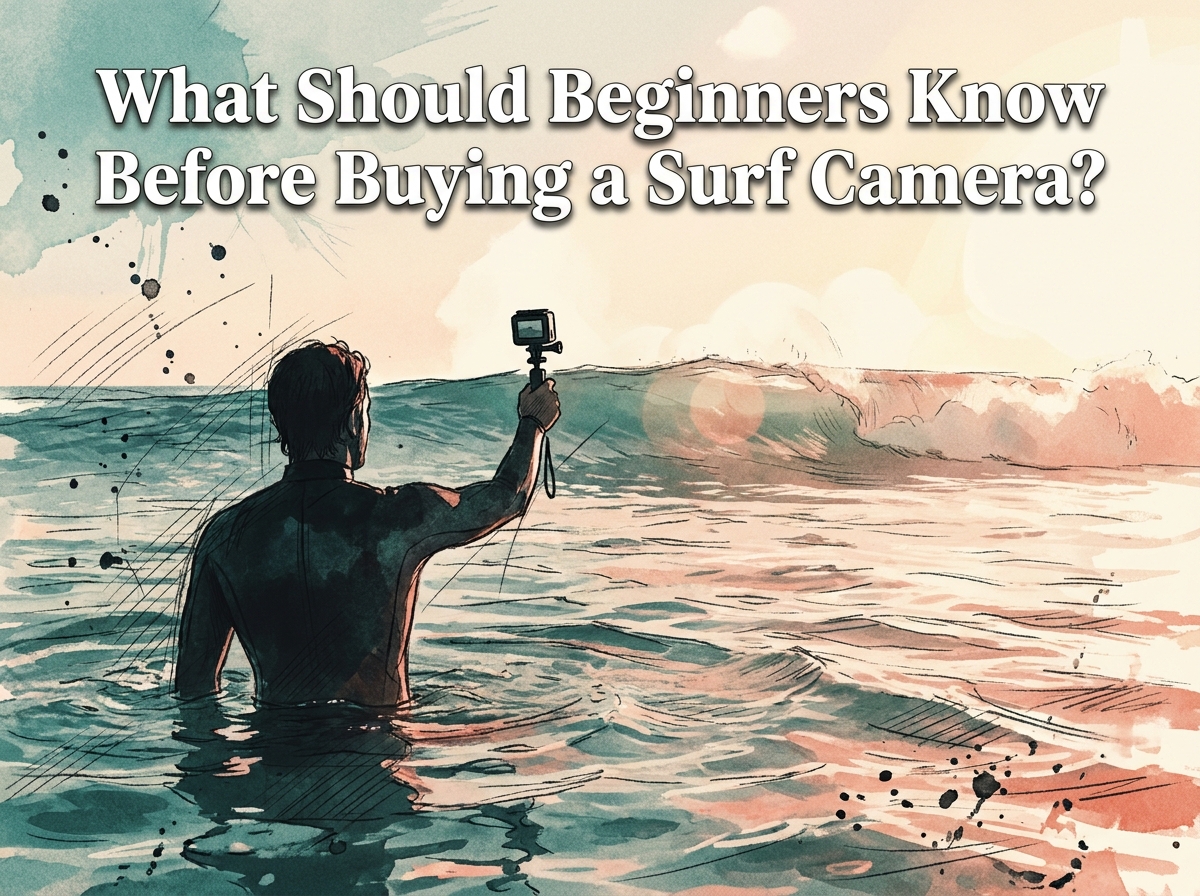

Buying a surf camera is one of the most exciting steps you can take as a new surfer. Whether you want to film your first pop-up, document a trip to a world-class break, or simply share your sessions with friends, a camera built for ocean conditions changes the way you experience the sport. But with so many action cameras, mirrorless options, and waterproof compacts on the market, knowing where to start can feel overwhelming.
This guide covers everything a beginner needs to know before spending money on a surf camera. From essential features like waterproofing and stabilisation to mounting options, budget considerations, and camera care, you will walk away with a clear picture of what to look for and what to avoid.
Why a Surf Camera Is Worth the Investment
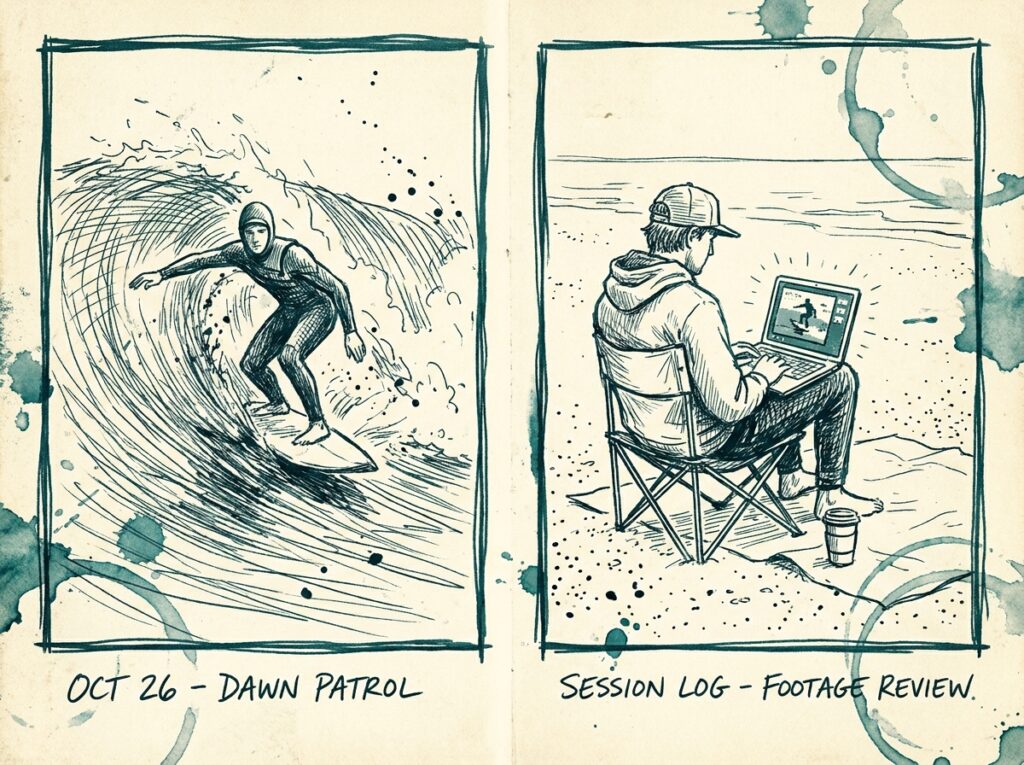
Surfing is one of those activities where you rarely get to see yourself in action. Unlike gym workouts or team sports, there is no mirror and no sideline coach handing you instant replay. A surf camera solves that problem. Reviewing footage of your sessions is one of the fastest ways to identify bad habits, track your progress, and build motivation.
Beyond personal improvement, capturing surf footage feeds the creative side of the sport. Surf culture has a deep history rooted in photography and film. Having your own camera lets you contribute to that tradition, whether you are making short social media clips or longer edits inspired by classic surfing movies.
There is also a practical safety angle. Reviewing footage can help you understand wave patterns, identify rip currents you missed in real time, and generally improve your ocean awareness. That pairs well with a solid foundation in surfing safety tips for challenging ocean conditions.
Types of Surf Camera You Can Choose From
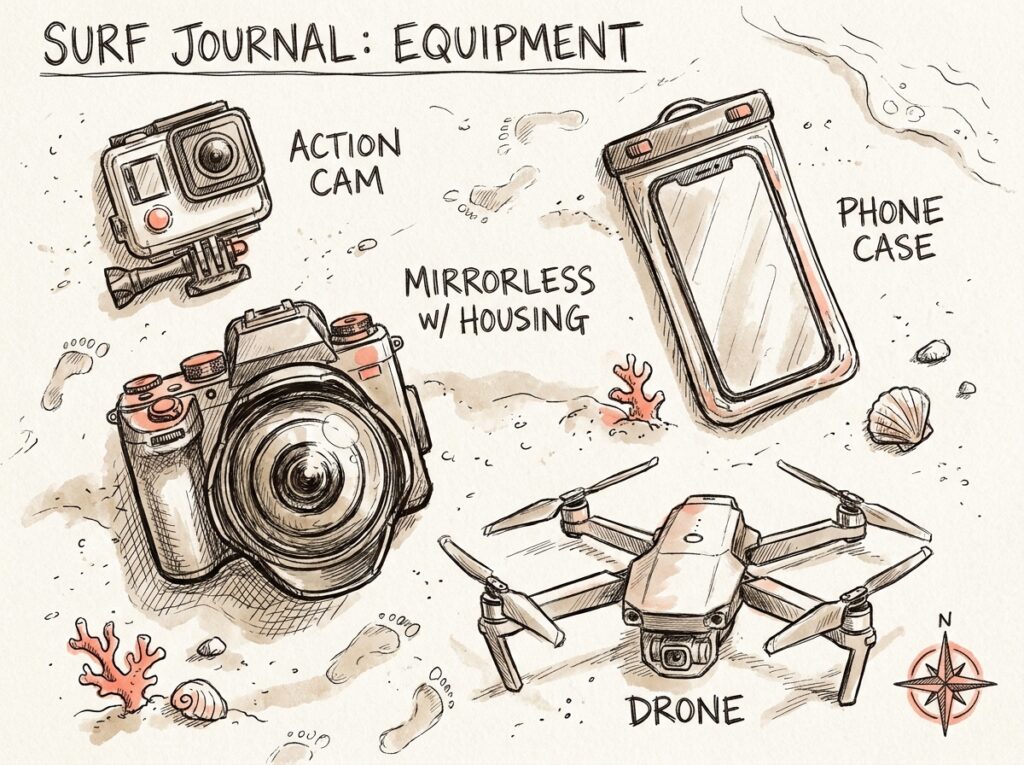
Not every camera is suitable for the ocean. Saltwater, sand, impact, and constant movement create a punishing environment for electronics. Here are the main categories worth considering.
Action Cameras
Action cameras like the GoPro HERO13 Black, DJI Osmo Action 4, and Insta360 Ace Pro 2 are the most popular choice for surfers. They are compact, natively waterproof, and designed to handle extreme movement. Most offer 4K or 5K video, advanced electronic image stabilisation, and wide-angle lenses that capture the full wave in frame.
For beginners, action cameras are usually the smartest entry point. They are relatively affordable, nearly indestructible, and can be mounted to your board, body, or held in your mouth with a bite mount. Budget-friendly options like the AKASO EK7000 deliver solid 4K video and waterproofing to 40 metres at a fraction of premium prices.
Mirrorless and DSLR Cameras
If your goal is high-end surf photography from the water or the shore, a mirrorless or DSLR camera paired with a telephoto lens is the professional standard. Bodies like the Sony A7 IV, Canon EOS 5D Mark IV, and Nikon D850 offer exceptional image quality, fast autofocus, and weather-sealed construction.
The trade-off is cost and complexity. You will need a dedicated water housing from a brand like AquaTech, which can cost as much as the camera itself. This setup is better suited to intermediate or advanced photographers who already understand exposure, shutter speed, and composition.
Smartphone Housings
Your smartphone already has a powerful camera. Waterproof housings like the AquaTech AxisGo turn your phone into a capable in-water camera at a lower cost than buying a dedicated device. This can be a great stepping stone if you want to experiment with surf photography before committing to more expensive gear.
Drones
Drones offer a completely different perspective, capturing aerial footage of lineups, wave sets, and individual rides from above. They require a separate skill set and knowledge of local regulations. For most beginners, a drone is a secondary purchase that makes sense after you already own an in-water camera.
Essential Features to Look for in a Surf Camera
Not all waterproof cameras are created equal. These are the features that separate a reliable surf camera from a gadget that will let you down when it matters.
Waterproofing
This is non-negotiable. Your camera will be submerged, splashed, and exposed to salt spray constantly. Look for a camera that is waterproof to at least 10 metres (33 feet) without needing a separate housing. Premium action cameras typically meet this standard out of the box. Getting caught inside a set or wiped out is a normal part of surfing, and your camera needs to survive it.
Electronic Image Stabilisation (EIS)
Surfing produces constant vibration, impact, and erratic movement. Without strong stabilisation, your footage will be shaky and difficult to watch. Industry-leading systems include GoPro’s HyperSmooth, DJI’s RockSteady, and Insta360’s FlowState. These technologies smooth out the chaos and produce footage that actually looks watchable.
Wide-Angle Lens
Surf footage requires a wide field of view, typically 140 degrees or more, to capture the full wave, the surfer, and the surrounding ocean in a single frame. A narrow lens will miss half the action. Most action cameras include a wide-angle lens by default, but it is worth checking the specs before you buy.
Resolution and Frame Rate
For surf footage, 4K resolution at 30 frames per second is a solid baseline. If you want to create slow-motion clips of cutbacks, barrels, or wipeouts, look for cameras that shoot 1080p at 120fps or higher. Higher frame rates let you slow the action down without losing quality, which is particularly satisfying for reviewing technique.
Battery Life
A surf session can last anywhere from one to three hours. If your camera dies after 40 minutes, you will miss the best waves. Check how long the battery lasts when recording at your preferred resolution. The DJI Osmo Action 4 stands out in this category with one of the longest battery lives among action cameras. Carrying a spare battery in a dry bag on the beach is always a smart backup plan.
Mounting Options for Your Surf Camera
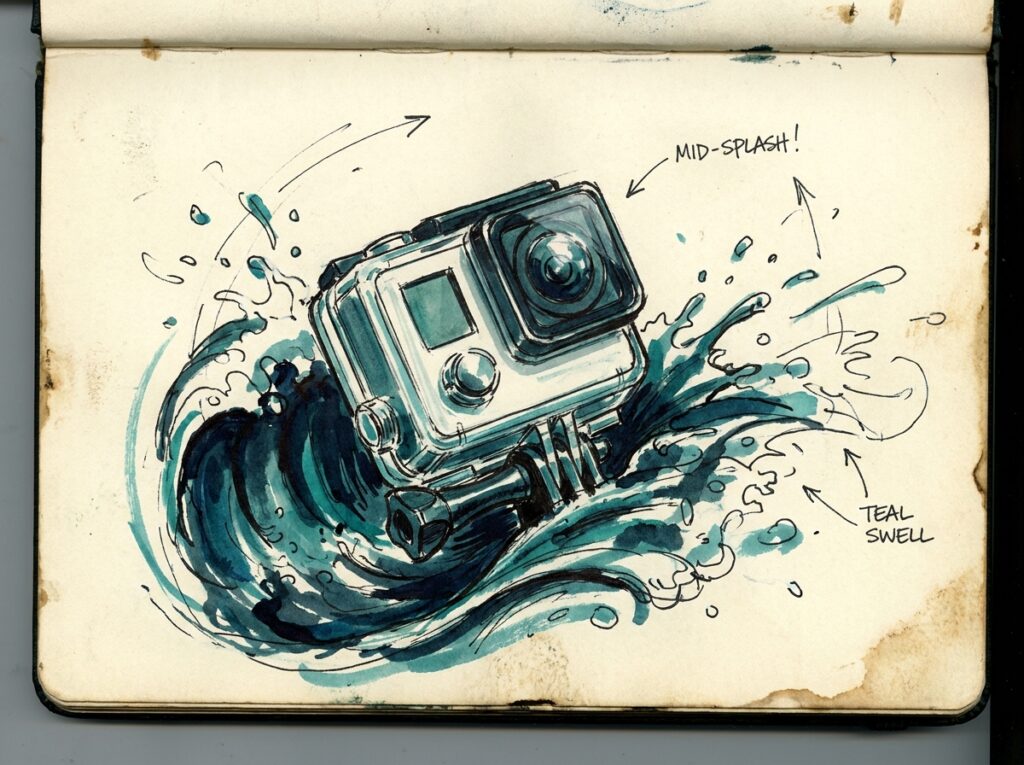
Where you mount your camera determines the kind of footage you get. Each position offers a different perspective, and experimenting with all of them is part of the fun.
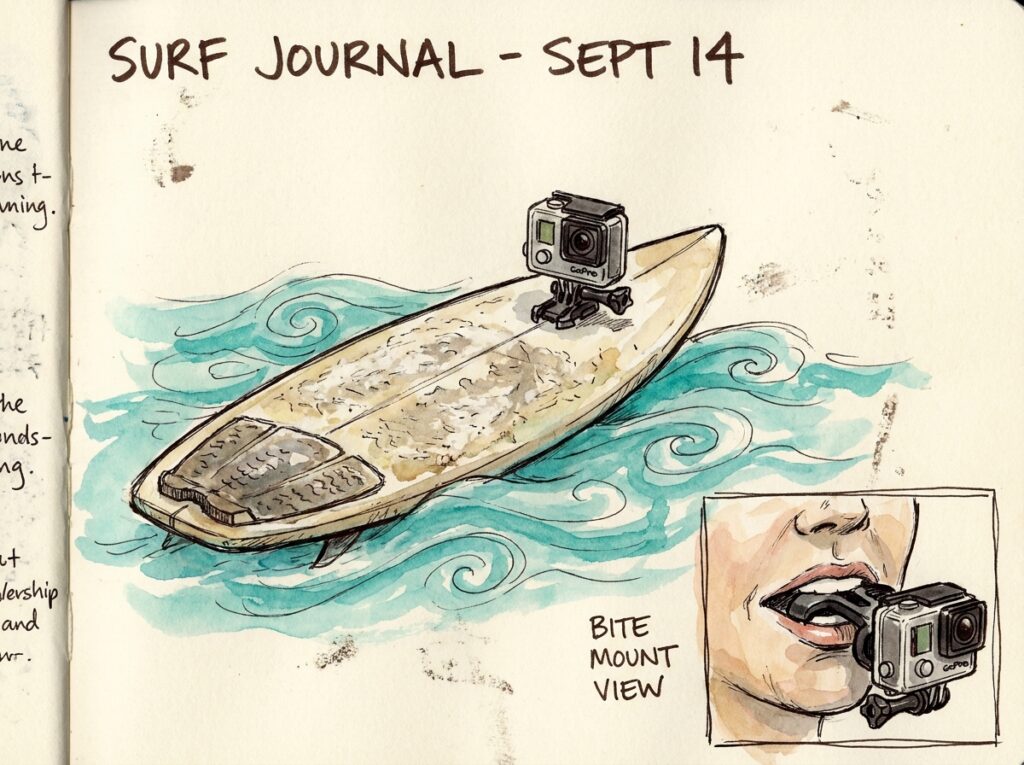
- Board mount: Adhesive mounts stick to the nose or deck of your surfboard and capture forward-facing footage. This is the most common setup and gives a dramatic wave-riding perspective. Use a tether as backup in case the adhesive fails.
- Bite mount: A food-grade silicone mouthpiece that lets you hold the camera in your mouth for true point-of-view footage. It feels unusual at first, but many surfers prefer it because the angle closely matches what your eyes see. Always pair it with a floaty accessory.
- Chest mount: A harness straps the camera to your chest. This works well for paddle-out shots and gives a stable mid-body angle, though the footage can include a lot of arm and paddle movement.
- Head strap: Wraps around your head or helmet. Useful for bodyboarders or surfers who wear helmets in heavy conditions, but less common for standard surfing.
- Handheld pole: A short telescopic pole or selfie stick lets you extend the camera out in front or behind you. Great for third-person angles and lifestyle shots during a surf trip.
When you are just learning how to surf, a simple board mount or bite mount is the easiest place to start. You can always add more mounting options as your confidence and skills grow.
Budget Considerations When Buying a Surf Camera
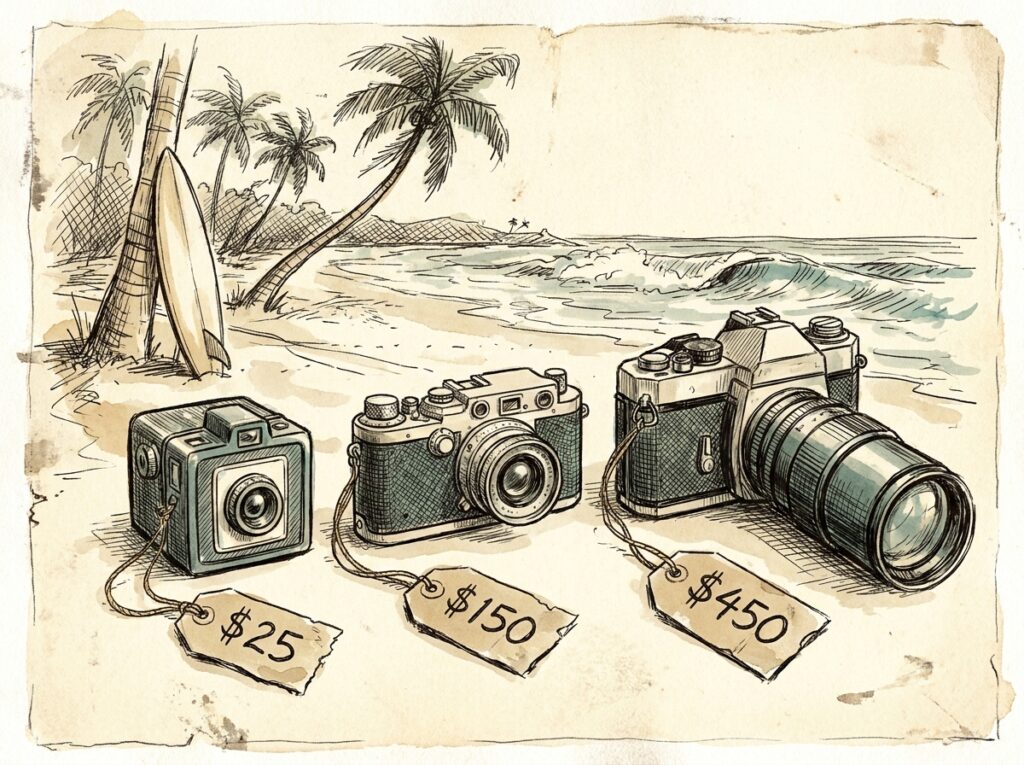
Surf cameras range from under £50 for basic budget action cameras to well over £3,000 for a professional DSLR and water housing setup. For most beginners, the sweet spot sits between £100 and £400.
Entry Level (Under £100)
Cameras like the AKASO EK7000 offer 4K video, EIS, and native waterproofing at a price that will not sting if you lose the camera in a wipeout. These are excellent for beginners who want to test the waters before investing more. The mount systems are usually GoPro-compatible, so you can upgrade the camera body later without replacing all your accessories.
Mid-Range (£200–£400)
This is where you find the GoPro HERO13 Black, DJI Osmo Action 4, and Insta360 Ace Pro 2. These cameras offer the best balance of quality, durability, and features for serious surf footage. Stabilisation technology at this price point is significantly better than entry-level options, and the video quality holds up on larger screens.
Professional (Over £1,000)
Mirrorless bodies, telephoto lenses, and water housings from brands like AquaTech push costs into the thousands. This tier is for photographers and videographers who are committed to surf media as a craft or career. If you are still working on catching your first green wave, this level of investment is premature.
Whatever your budget, make sure to factor in the cost of accessories. A mount, a spare battery, a microSD card, and a floaty can add another £30–£80 to your total spend.
How to Protect and Maintain Your Surf Camera
Saltwater is corrosive and will damage electronics over time if you do not take care of your gear. After every session, rinse your camera thoroughly with fresh water. Pay special attention to the lens cover, battery compartment seal, and any ports or buttons where salt can build up.
Dry your camera completely before storing it. Leaving it in a closed bag while damp is a recipe for mould and corrosion. A microfibre cloth works well for the lens. If you surf in sandy conditions, a quick soak in a bowl of fresh water before wiping helps remove grit without scratching the lens.
Check the rubber seals on battery and port covers regularly. These are the weak points where water enters. If a seal looks cracked, worn, or compressed, replace it before your next session. Most manufacturers sell replacement doors and seals at low cost. The same attention to maintenance that applies to your camera also applies to the rest of your gear. A well-maintained setup, from your wetsuit to your board, will last significantly longer.
Beginner Mistakes to Avoid with a Surf Camera
Even the best camera will deliver poor results if you fall into common traps. Here are the mistakes that new surf filmers make most often.
- Skipping the tether: Always use a camera tether or leash, even if your mount feels solid. Wipeouts generate enormous force, and a lost camera sinks fast if it does not have a floaty attached.
- Recording in the wrong mode: Filming in 4K when you only have a 32GB card means you run out of storage quickly. Match your resolution and frame rate to the length of your sessions and your storage capacity.
- Ignoring the light: The best surf footage is usually shot early in the morning or late in the afternoon, when the light is warm and directional. Midday sun creates flat, washed-out video. Check your wave forecast to time your sessions for good conditions and good light.
- Forgetting to clean the lens: A single water droplet on the lens can ruin an entire clip. Give the lens a quick lick or wipe before you paddle out. Professional surf photographers swear by this technique.
- Focusing on the camera instead of the surfing: Your primary goal in the water is to surf well and stay safe. If adjusting the camera distracts you from reading waves or maintaining awareness, simplify your setup or leave the camera on the beach for that session.
Best Surf Camera Settings for Beginners
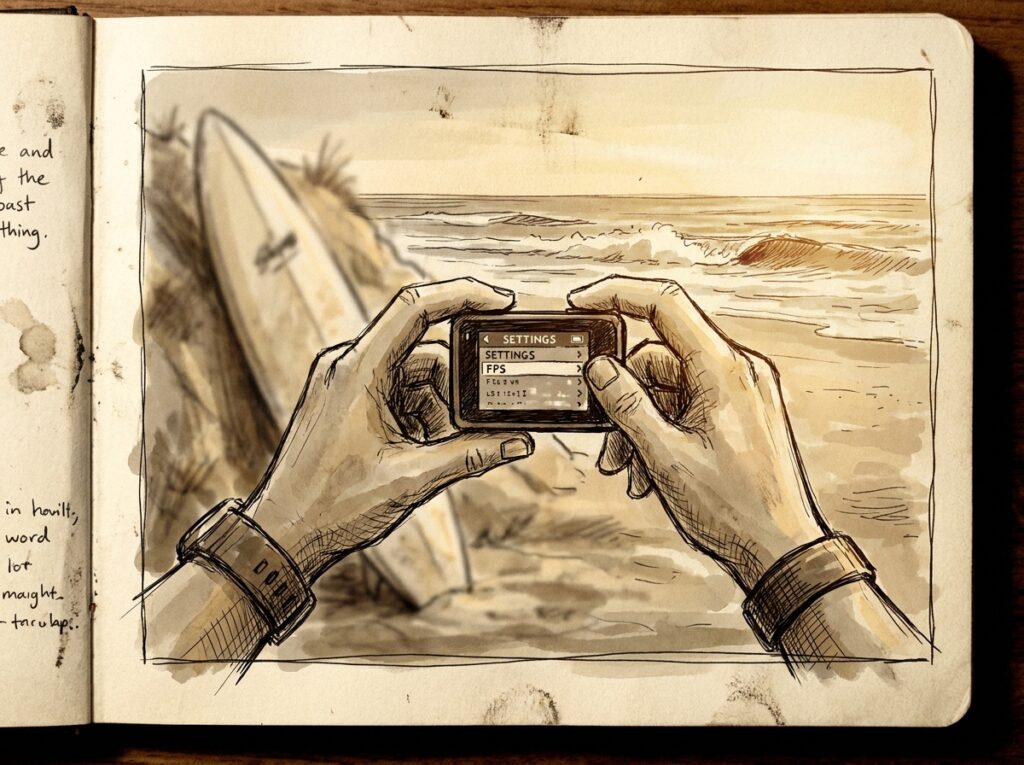
Most action cameras are designed to work well in automatic mode, which is a perfectly fine starting point. However, a few quick adjustments will noticeably improve your footage from day one.
Set your resolution to 4K at 30fps for standard footage. This gives you the best combination of quality and file size. When you want slow-motion clips, switch to 1080p at 120fps. Turn on the highest available stabilisation mode. On a GoPro, that means HyperSmooth set to High or Boost.
Use the widest field of view available. A narrow or linear lens mode looks cleaner on land, but in the water you want as much of the scene captured as possible. For colour, the default colour profile is fine for social media sharing. If you plan to edit your footage later, switching to a flat or natural colour profile gives you more flexibility in post-production.
Pairing Your Surf Camera with the Right Gear
A camera is only one part of the equation. Making sure the rest of your surf setup is dialled in will improve both your footage and your sessions.
If you are still choosing your board, understanding how to choose the right surfboard size will make a huge difference to your wave count and therefore the amount of usable footage you capture. More waves caught means more content to work with. Beginners often find that a longboard provides a more stable platform for board-mounted cameras.
Knowing what to wear while surfing also matters when you are filming. Bright-coloured rash guards and wetsuits stand out better on camera than dark neoprene. And if you are building toward a lifestyle edit from a surf trip, dressing well on camera both in and out of the water adds production value.
Your physical fitness will also affect how much great footage you bring home. Longer paddle-outs and faster reactions mean more waves and better angles. A structured surfing fitness routine will help you stay in the water longer and make the most of every session. Many surfers also find that the mental health benefits of surfing are amplified when they can relive positive moments through footage.
Where to Film: Choosing the Right Surf Spot
Not every break produces great footage. Clean, peeling waves with clear water look far better on camera than choppy, closeout conditions. Beginner-friendly surfing destinations tend to offer the mellow, well-shaped waves that are both easier to ride and more cinematic on film.
If your background includes board sports like skateboarding or snowboarding, you may already have an eye for framing and timing. The crossover skills between surfing and other board sports, including the similarities between surfing and snowboarding, extend to filming as well. That sense of flow translates into knowing when to press record and when to hold.
Surf Camera Accessories Worth Buying
A few inexpensive accessories can dramatically improve your experience and protect your investment.
- Floaty: A brightly coloured foam attachment that keeps your camera floating if it detaches from the mount. This is essential for ocean use.
- Spare batteries: Cold water and continuous recording drain batteries faster than you expect. Carrying two or three spares means you never have to cut a session short.
- High-speed microSD card: A slow card will cause dropped frames or recording errors. Look for UHS-I or UHS-II cards rated at V30 or higher for 4K recording.
- Anti-fog inserts: Temperature differences between the water and the air inside a housing can cause fogging. Small silica gel inserts placed inside the housing eliminate this problem.
- Protective case: A hard case for transport protects your camera from sand and impact when it is not in use. Your gear deserves the same care as the rest of your surf equipment, including knowing how to handle board repairs when dings happen.
Action Camera Comparison for Beginner Surfers
Here is a quick side-by-side look at the most popular surf camera options for beginners and intermediate surfers. For a full breakdown with in-depth reviews, check out our guide to the best cameras for surfing.
| Camera | Resolution | Stabilisation | Waterproof | Price | Best For |
| GoPro HERO13 Black | 5.3K / 4K120 | HyperSmooth 6.0 | 10m (33ft) | 375$ | All-round quality |
| DJI Osmo Action 4 | 4K / 4K120 | RockSteady 3.0 | 18m (59ft) | 229$ | Low light & battery |
| Insta360 Ace Pro 2 | 4K / 4K120 | FlowState | 12m (39ft) | 320$ | AI editing features |
| AKASO EK7000 | 4K30 / 1080p60 | EIS | 40m (131ft) | 80$ | Budget beginners |
Final Thoughts on Choosing Your First Surf Camera
Buying your first surf camera does not need to be complicated. Start with a waterproof action camera that fits your budget, learn how to mount it securely, and focus on getting in the water as much as possible. The best footage comes from consistent practice, not from the most expensive gear.
Treat your camera as a tool for growth. Use the footage to review your technique, share your stoke with others, and build a visual record of your progression. Whether you are riding your first whitewash wave on a beginner surfboard or trimming down a glassy point break, having a camera along for the ride makes every session a little more memorable.
Take care of your gear, rinse it after every session, and remember that the ocean always comes first. Your surf camera is there to capture the experience, not replace it. Now get out there and start filming.